How it works
From your first line to a finished page
Six steps, and the only file you hand to another app is the one at the end. Nothing to export halfway through so the next tool can read your work: write, break it into panels, letter it, draw it, all in one window, then take it back out.
The six steps
Bring the script you already have
Drop in a .docx and it arrives with its fonts, styles and page breaks intact, because the editor reads the file format itself rather than approximating it. Nothing to reformat and nothing to paste. If you would rather begin here, a blank page works just as well.
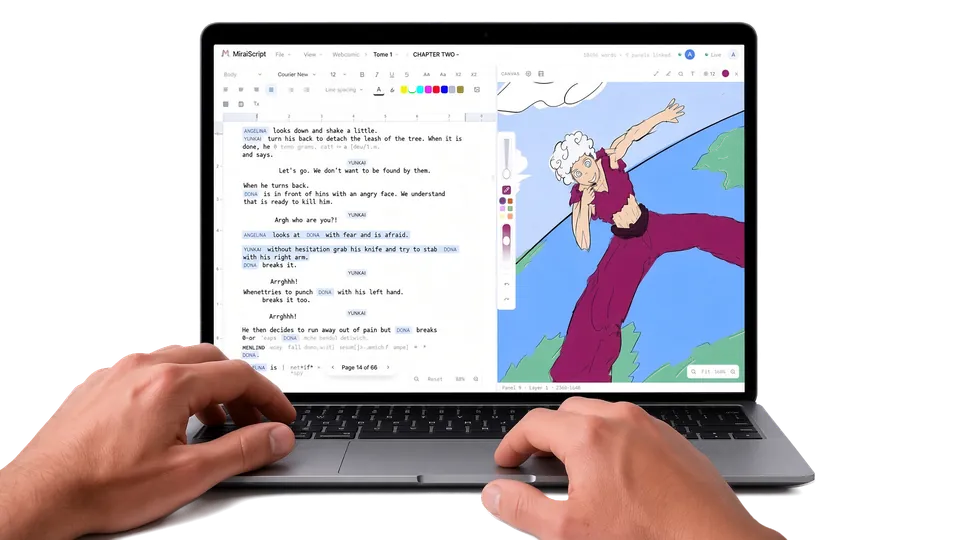
Write the way you already write
Chapters and scenes are read from your own headings, so the outline builds itself as you type instead of asking you to maintain it. An industry format is there if you want the structure. Ignore it and nothing breaks.
p12, wide. platform empty, tiles wet. yuki alone under the sign, hood up.
keep it quiet. no sfx here, the silence is the point.
then insert on the radio dial. her hand is shaking a little, don't overdo it.
CU yuki. she says it small, almost to herself: it's still broadcasting.
last one, the sign above her goes dark. hold on it.
EXT. STATION PLATFORM, NIGHT
Wet tiles. The platform is empty. YUKI stands alone beneath the sign, hood up.
INSERT: the radio dial, turning slowly under her hand.
ON YUKI
YUKI (small)...it's still broadcasting.The sign above her goes dark.
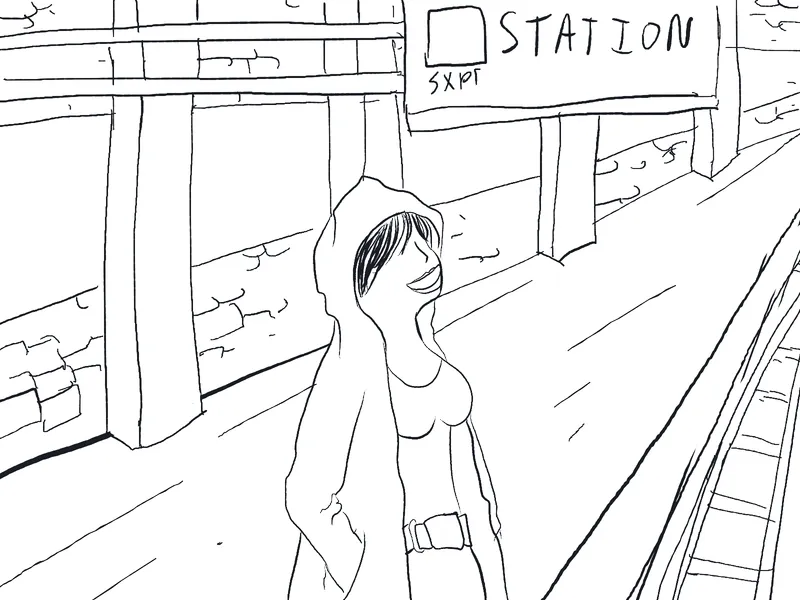
1.Wide: empty platform, wet tiles, Yuki under the sign2.Insert: the radio dial turning3.CU Yuki: "...it's still broadcasting."4.The sign goes dark. No SFX.Break the chapter into panels
The storyboard sits beside the script. Add a panel where you want one and put them in the order you want them in. Your panels are yours: rewriting a scene never reshuffles your artwork, and reordering your artwork never touches a word.
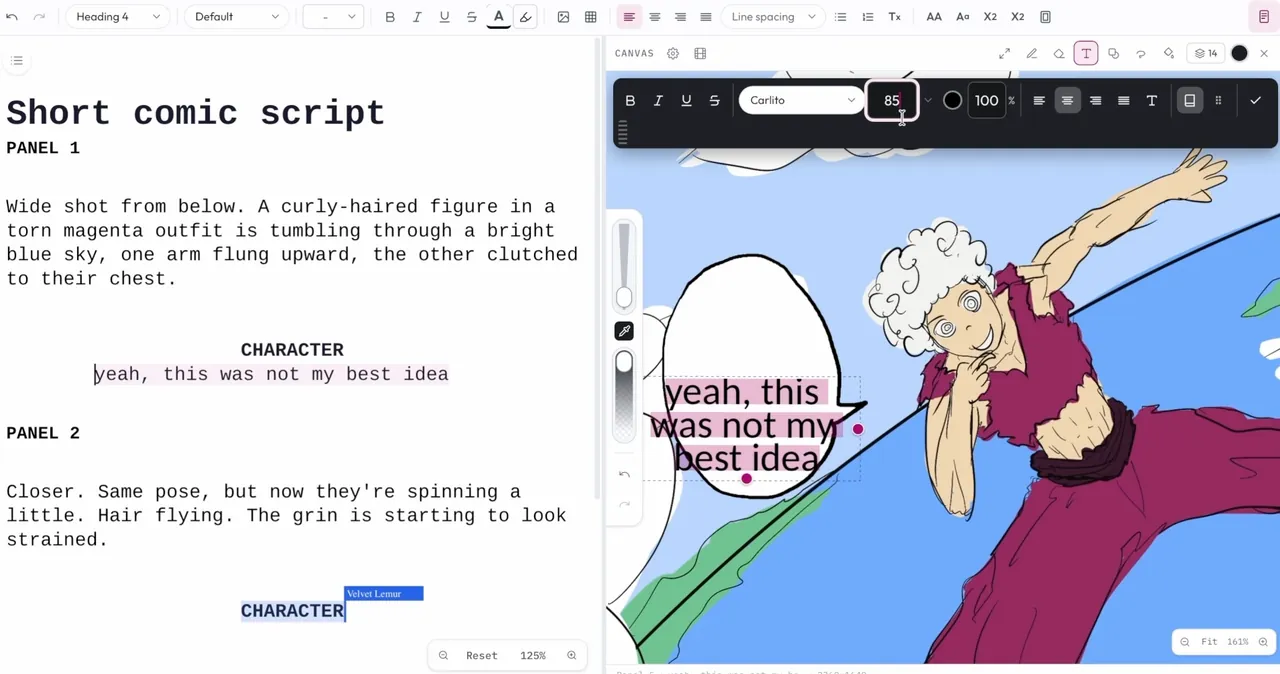
Drag a line onto the panel that says it
The line becomes lettering on the page and stays tied to the script. Fix it in the script or fix it in the balloon, whichever you happen to be in, and the other follows as you type. You catch a line overflowing its balloon while it is still one keystroke to fix, instead of after the panel is inked.
page 12editing hereEXT. STATION PLATFORM, NIGHT
Wet tiles. The platform is empty. Yuki stands alone beneath the sign, hood up.
Hold it quiet, no sfx here.
Yuki (small)...it's still broadcasting.The sign above her goes dark. Hold on it.
...it's still broadcasting.fits the panelediting hereDraw it, here or on your tablet
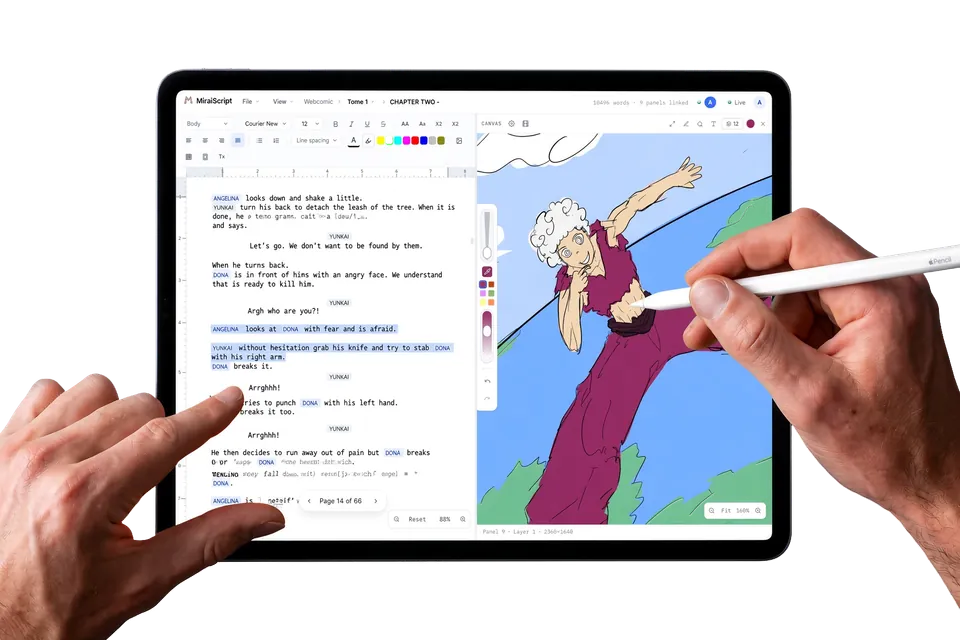
Pressure, layers, blend modes and clipping masks on a canvas built for a stylus, with your dialogue sitting on it at real size. Or pair a tablet and draw there while the script stays on the big screen.
Take it back out again
Layered PSD for Clip Studio, Photoshop or Procreate, with your layers, folders and blend modes where you left them. .docx back to Word. PDF for anyone who only needs to read it. Formats other software already opens, so leaving is never a project of its own.

Two things you never have to remember to do
Both of these run while you work. Neither one asks you to file anything, name anything, or decide anything up front.
Your continuity files itself
Mention a character, a place or an event once and a dossier builds itself around it: every reference counted, every beat dated, every connection drawn. See how worldbuilding works.
Your drafts keep themselves
Every meaningful change is saved on its own. Name a version worth keeping, branch a what-if, compare two drafts word for word, and restore any of them. You can stop saving script_final_v7_FINAL.docx.
Try it on the chapter you are stuck on
Free, and your .docx comes back out as a .docx. See what each plan includes.
Start my comic